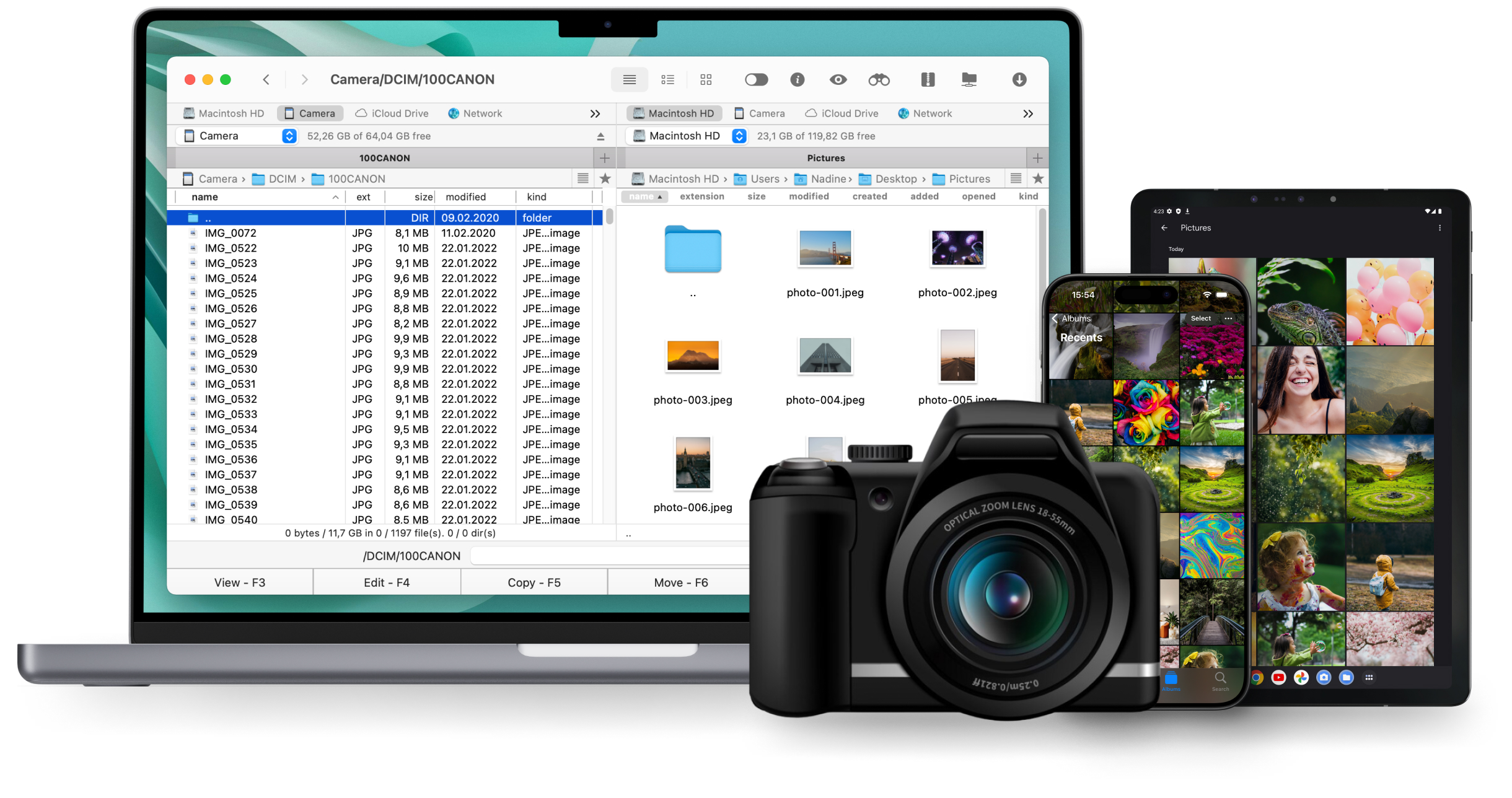
 Commander One
 Amazon S3 client for Mac made simple
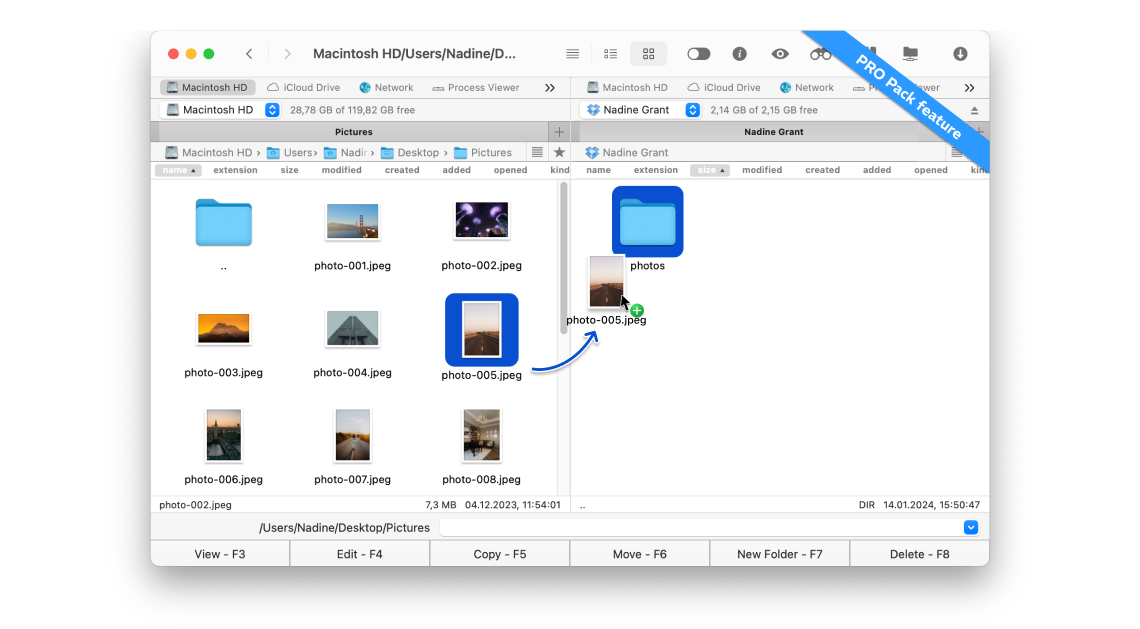
With Commander One, you get both a modern file manager and an intuitive Amazon S3 client in one tool. The app allows you to link specific S3 buckets, browse data across all AWS regions, and handle transfers between cloud and local storage effortlessly.


Optimized for both Apple silicon and Intel

Approved by Christian Ghisler as Total Commander for Mac
Key Features
Manage multiple S3 accounts and buckets
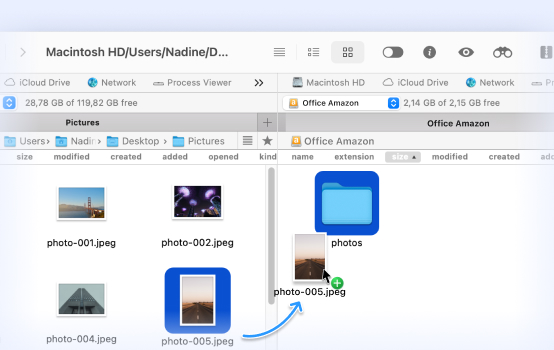
Seamless data transfer
Browse, organize, and share
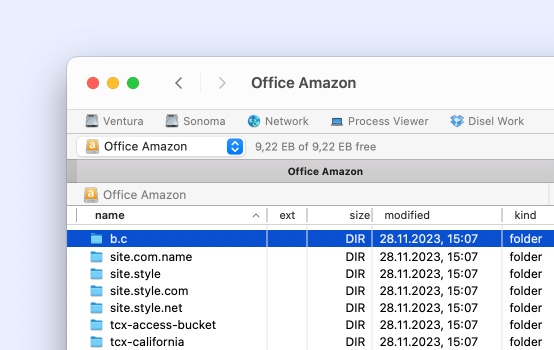
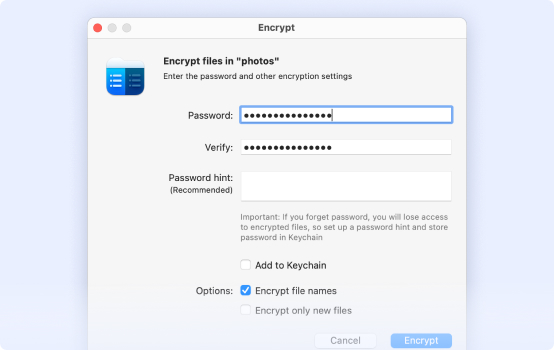
Protect your files
How to Connect to Amazon S3 storage on Mac
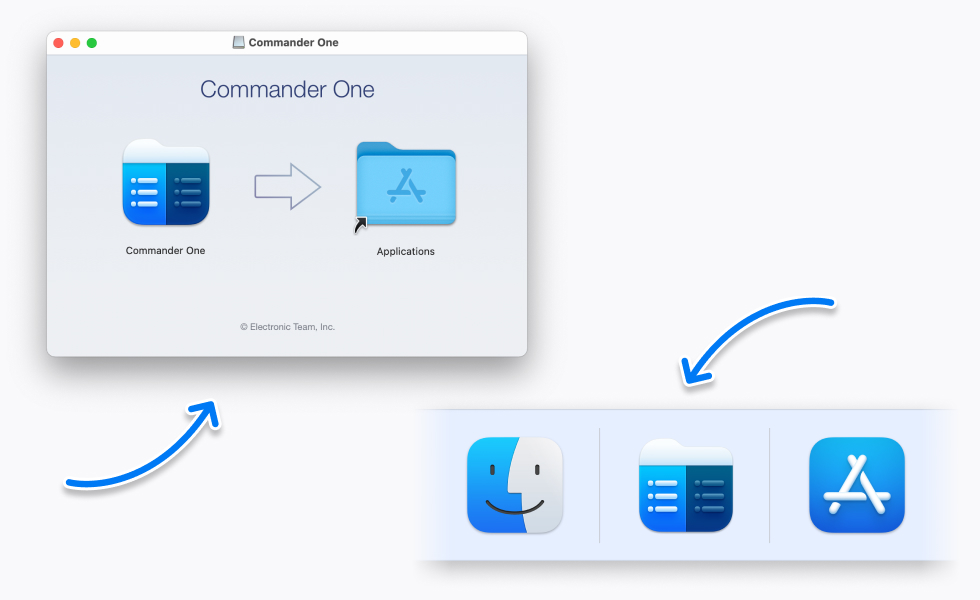
Download, install, and launch Commander One.
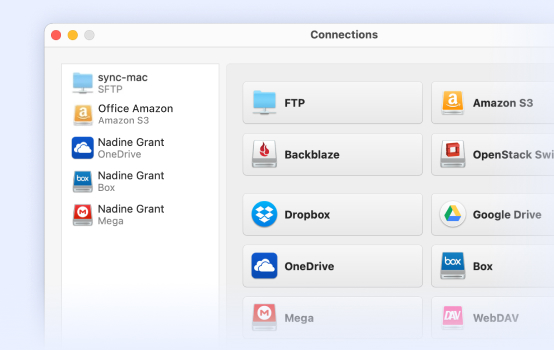
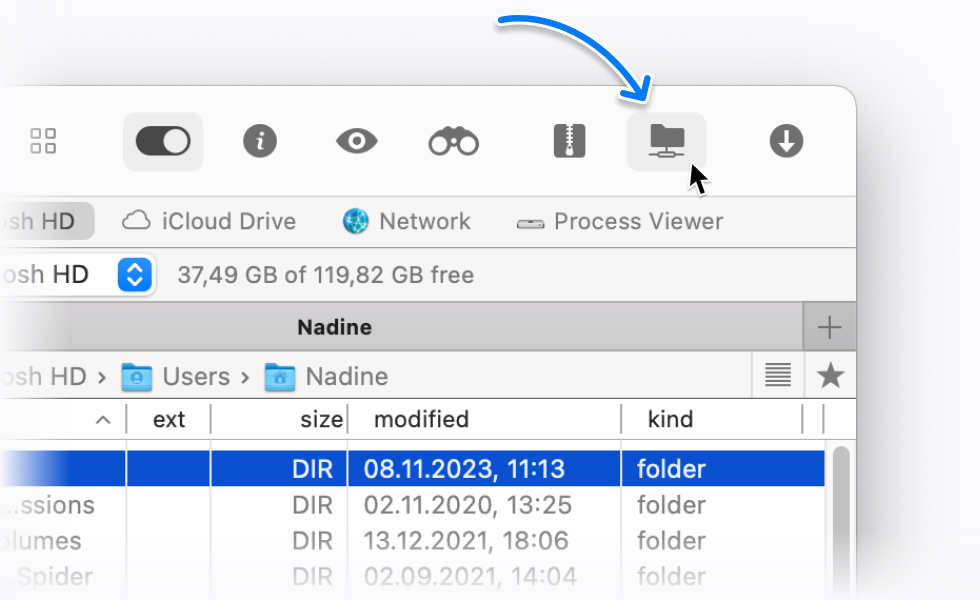
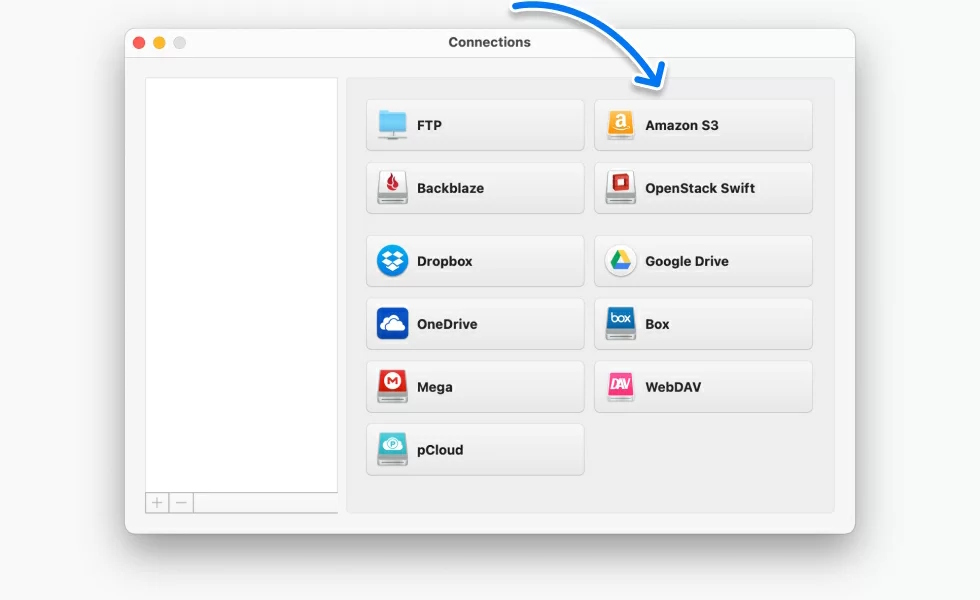
Go to “Connections Manager”.
Find and select the Amazon S3 icon. Enter connection details in the appropriate fields; after that, click the “Connect” button.
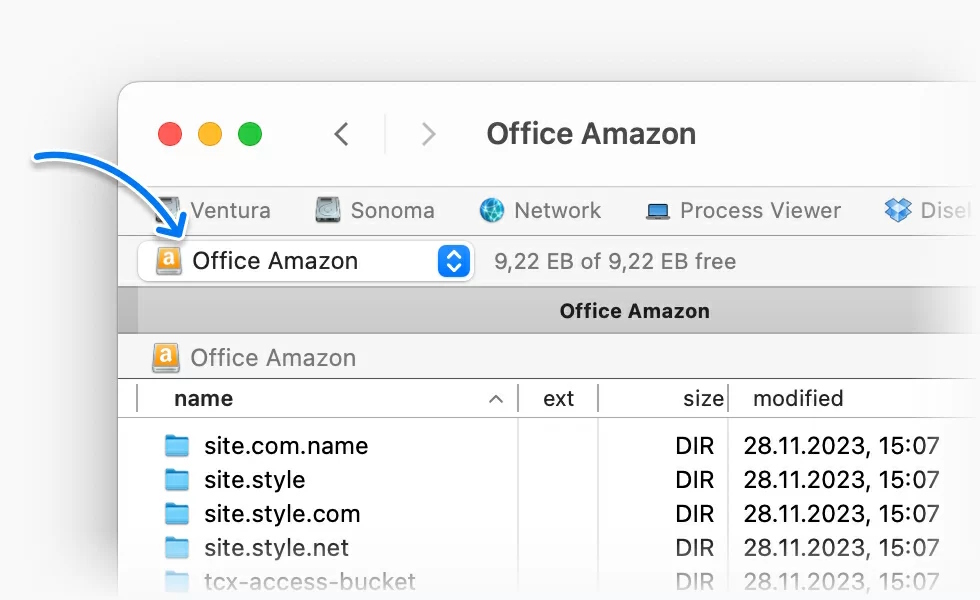
Now you can access your S3 buckets directly from Commander One.
Supported Services


Amazon S3

Dropbox

Google Drive


Supported Devices
With Commander One, your Mac can connect to almost any device – Android, iOS, or MTP-compatible devices. Manage all your files directly through the dual-pane interface without switching tools.