 Commander One
 Convenient Dropbox client for Mac
Easily manage your Dropbox cloud storage with Commander One, a powerful file manager for macOS. Enjoy full desktop client functionality and handle all your Dropbox files directly from your Mac. Connect your account in seconds and access, organize, upload, or download data just like you would with local folders.


Optimized for both Apple silicon and Intel

Approved by Christian Ghisler as Total Commander for Mac
Key Features
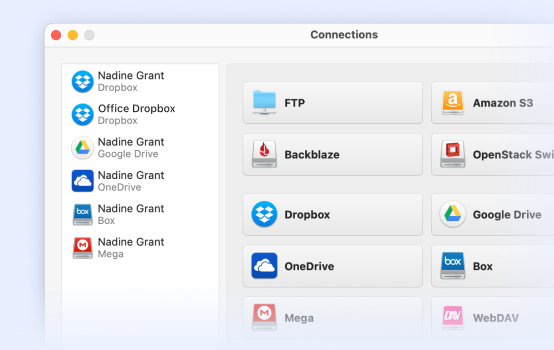
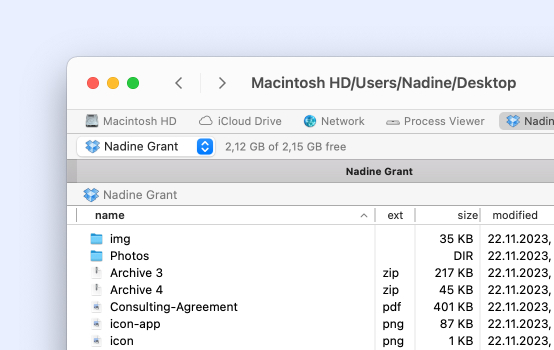
Manage multiple Dropbox accounts
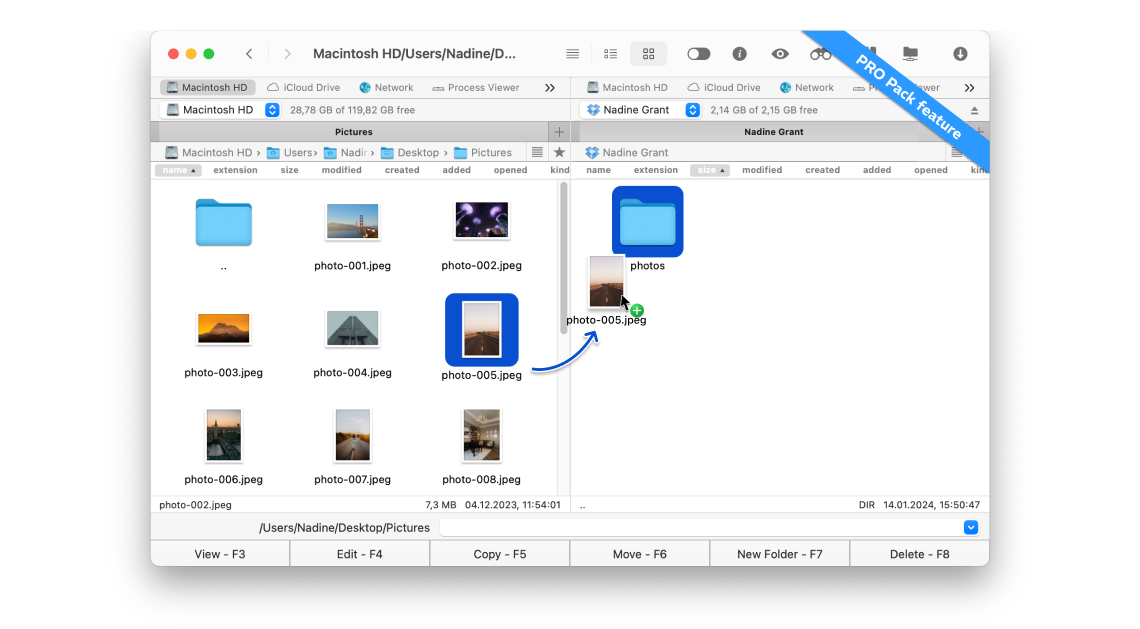
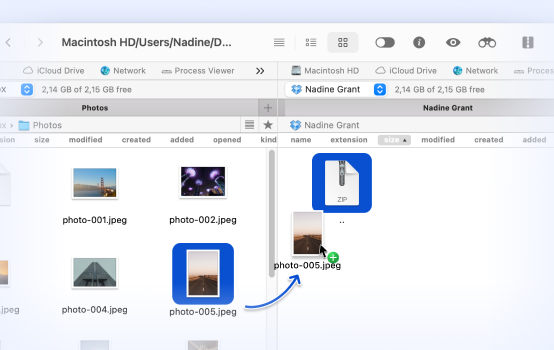
Move files between Dropbox and Mac
Open and edit files
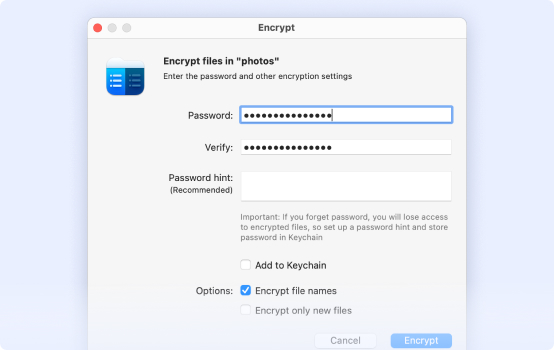
Add encryption to your online files
How to Connect to Dropbox on Mac
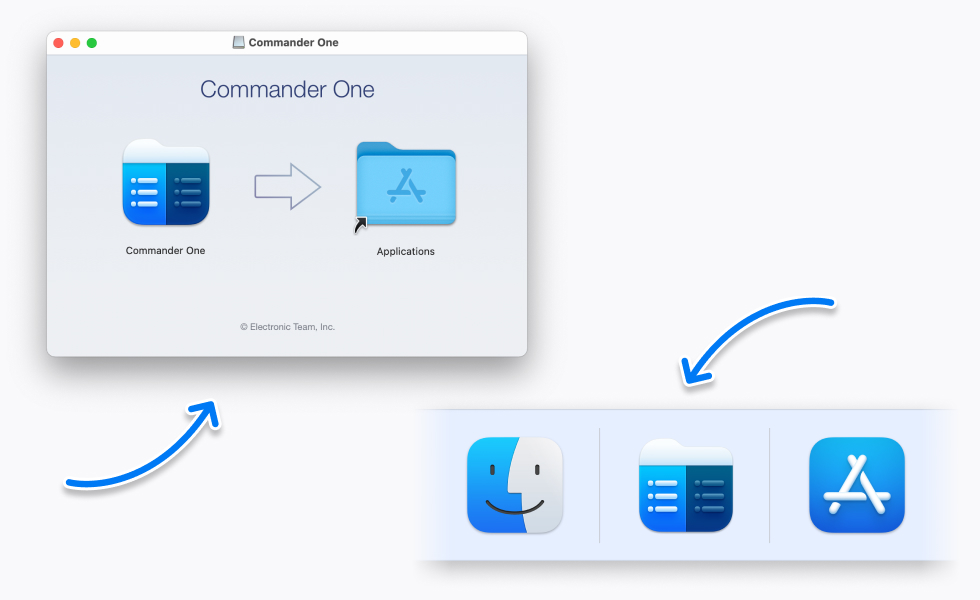
Download and install Commander One on your Mac.
Open the app and go to “Connections Manager”.
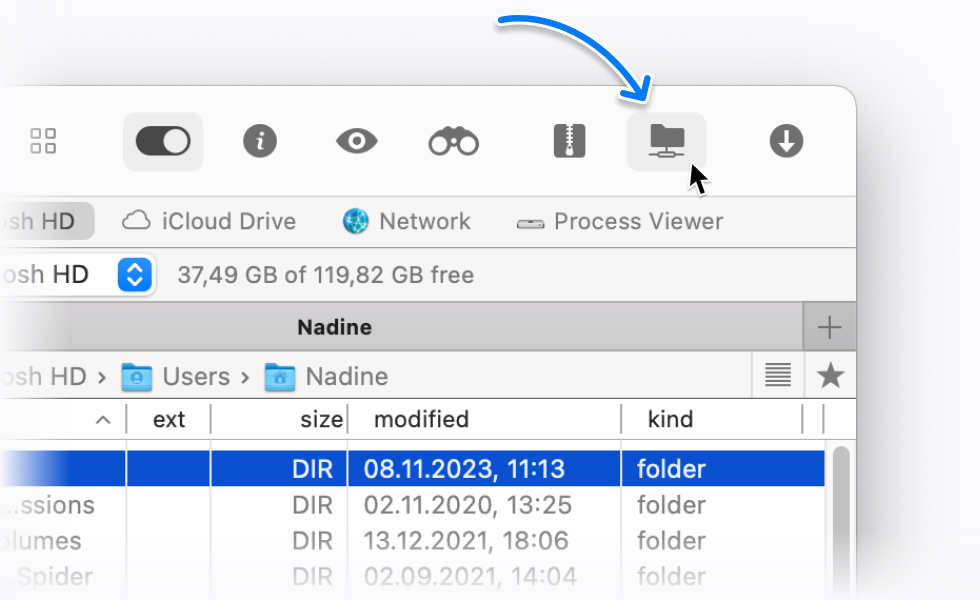
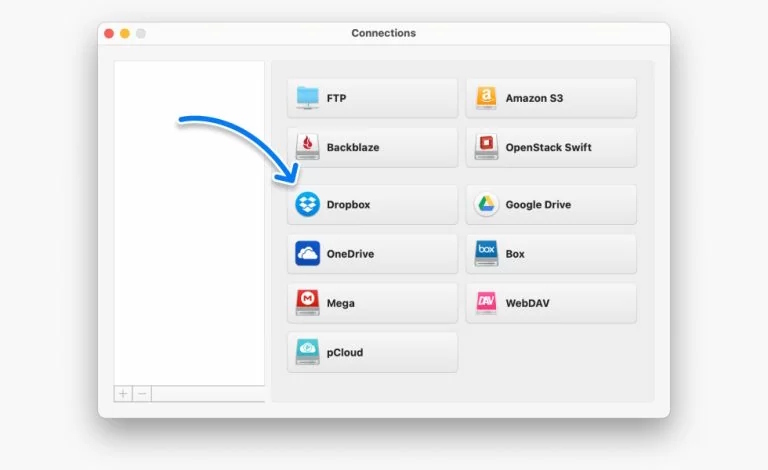
Find and select the Dropbox icon. After that, follow the login instructions in your browser. Then click the “Connect” button.
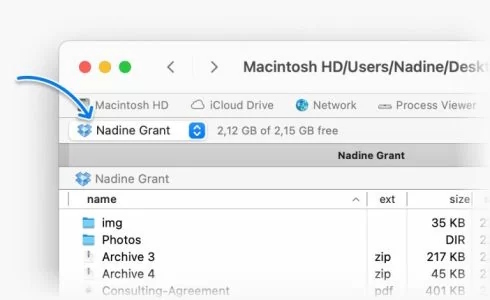
Now you can access your online files directly from Commander One.
Supported Services


Amazon S3

Dropbox

Google Drive


Supported Devices
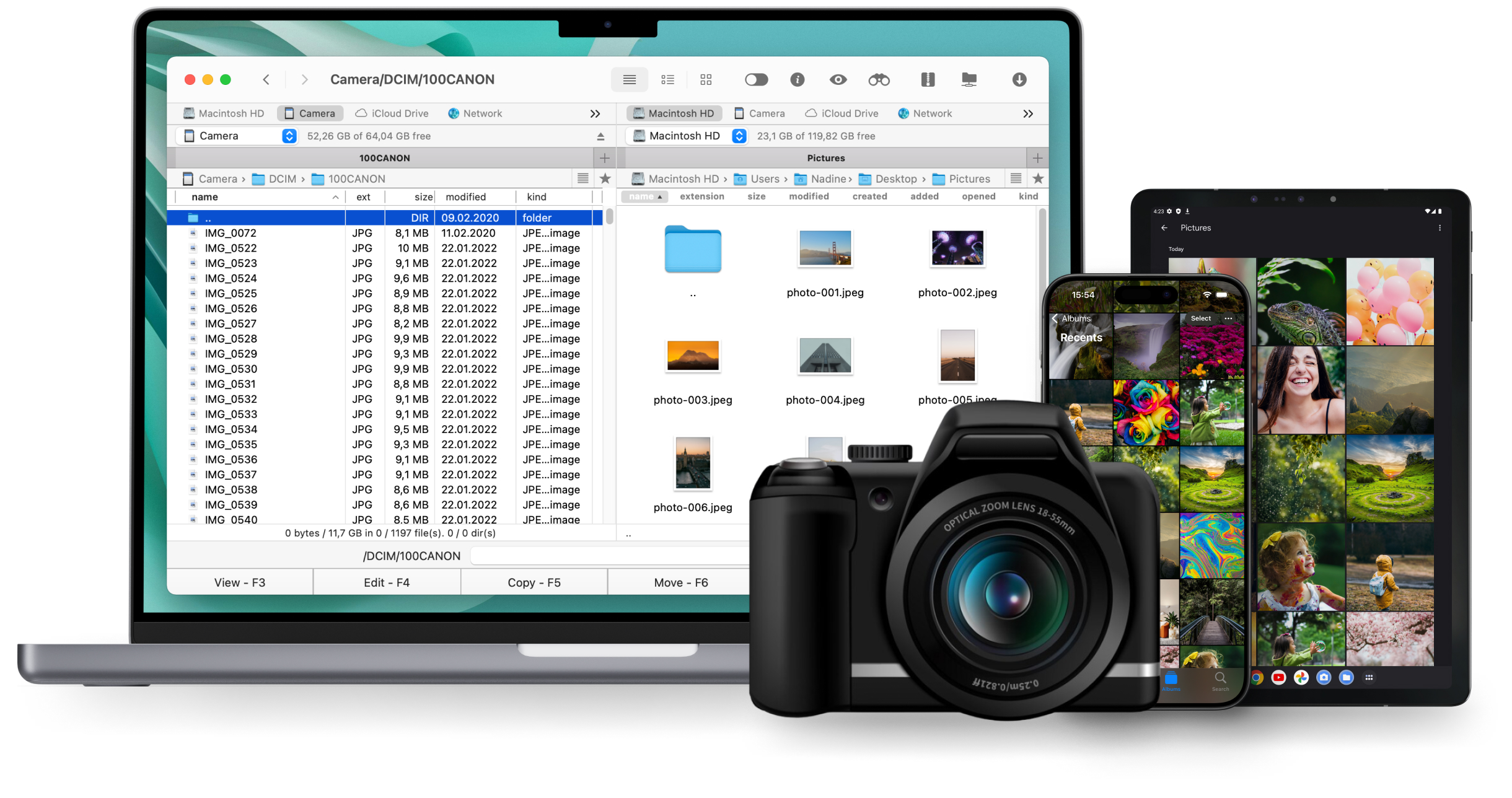
Commander One lets you connect and manage files across different devices. Work with Android smartphones, MTP-compatible cameras, and iOS devices – all from one convenient interface on your Mac.